Skip to content

Accessing online services

The Commission recently completed a major upgrade to online services, providing a more modern and user-friendly experience for charities and organisations applying for registration.

As part of the upgrade, each charity will need to create a new password on the upgraded system when they log on for the first time.

To do this, select the ‘Forgot password’ link on the login page. A password reset email will be sent to the email address currently held for Commission use.

Instructions explaining how to set your password on the upgraded system can also be found on page 5 of the Welcome pack.

To help keep your account secure, please remember:


  • Now the new system goes live, users will notice minor changes to the appearance of forms accessed through the My Charity login portal, and the online charity registration application.

    While the look and layout of the forms have been updated, the information required has not changed. The questions and supporting guidance remain the same, meaning charities and organisations will continue to provide the same key information when:
    •    completing an Annual Monitoring Return (AMR) or
    •    applying for charitable registration.

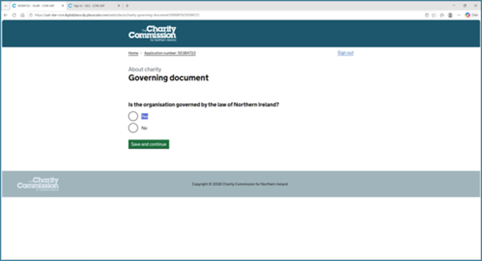
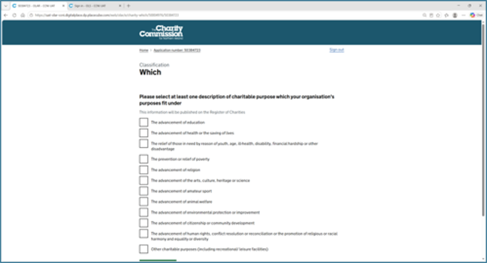
    Sample screenshots of the updated forms can be found below.
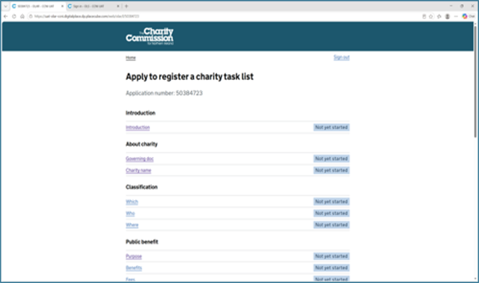
  • To support the transition to the new system, the Commission had temporarily paused invitations for organisations to apply for registration. Invitations will resume shortly. Please keep an eye on the website for updates.